Know what your next ultra will demand.
Look at every climb before you get there, see how long it will take you, and train for the course you're actually running.
You can look around without making an account.
A finish-time estimate that accounts for the climbs, the descents and your fitness instead of assuming a flat pace.
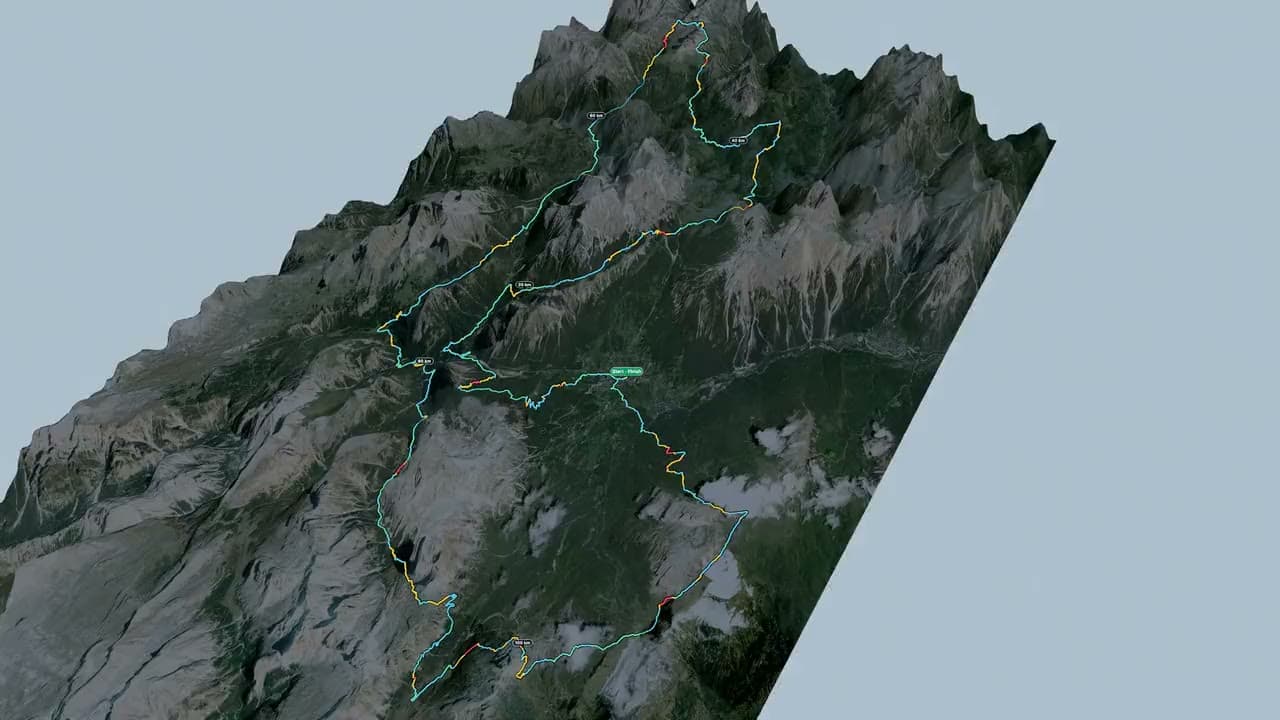
Fly the course in 3D, so the hard parts are familiar on race day.
RunPact recognises your Strava and Intervals.icu runs and links them to the sessions in your plan.
“I built this because I was tired of guessing my race-day pacing and gluing spreadsheets together.”
Training and race prep in one place
A training plan built around your race, and a close look at the course you're going to run.
Week 6 of 18
Build7h 40m · 73.0 km
Mon
Easy run
Tue
Hill repeats
Wed
Easy run
Thu
Tempo
Fri
Rest
Sat
Long run
Sun
Easy run
Strength
Training plans that adjust
Start from one of our templates, pick one shared by another runner, or set up your own phases, session types, intensity and volume. The plan is built week by week around your race date.
- Templates for flat, rolling and mountain races
- Upcoming sessions change when runs feel too easy or get missed
- Take a break for illness or injury and the plan picks up after it
Course analysis
Open a race from the directory or upload any GPX. You'll see the key climbs, a pacing plan matched to the terrain, and the whole course in 3D.
- 3D flythrough of the full course
- Pacing adjusted for every climb and descent
- Finish-time predictions from a model trained on real ultras
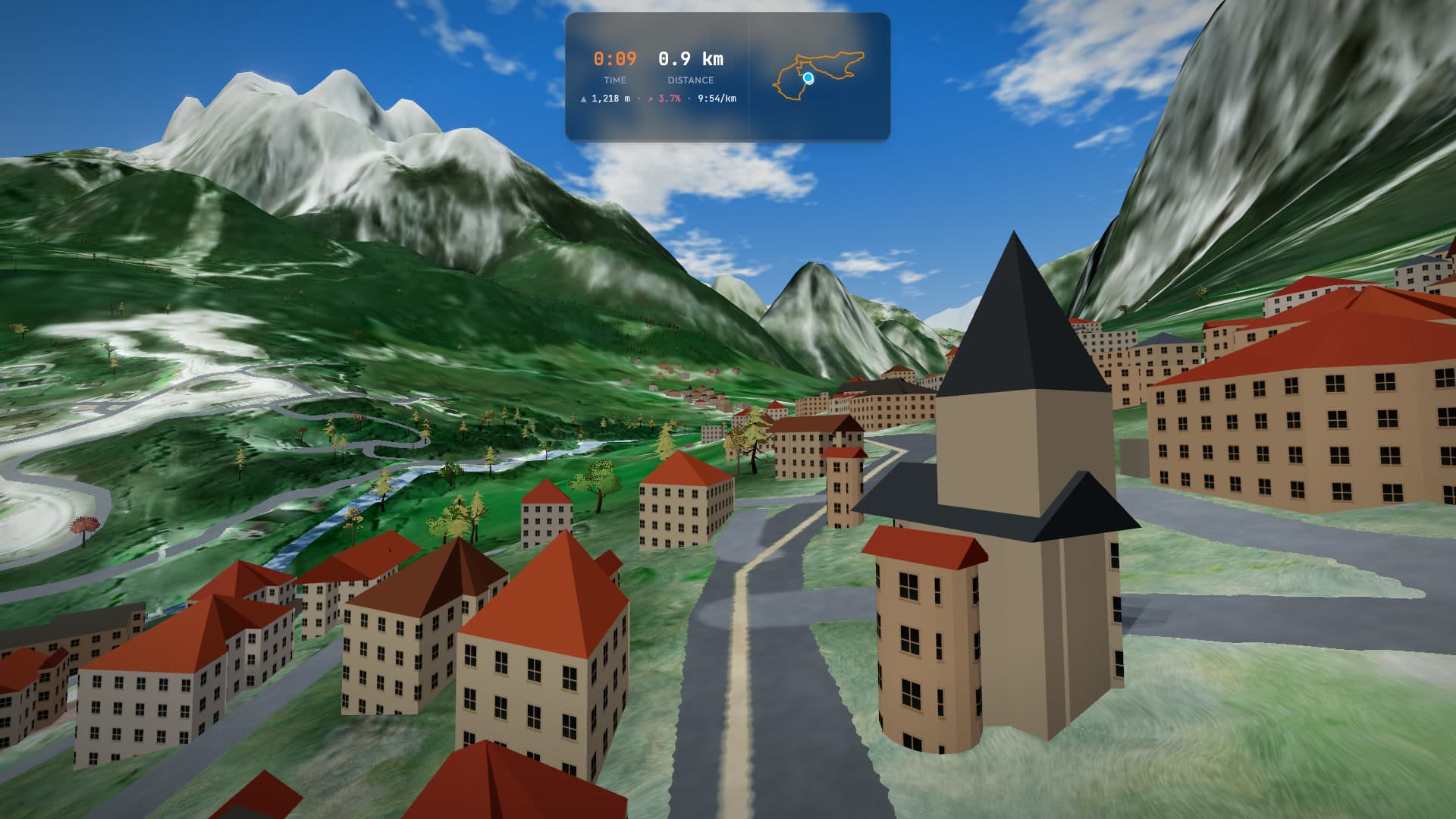
The race pages and the model are built from real results on courses like these, and the analysis works on any GPX you upload.

 intervals.icu
How it works
- Step 1
Find your race
Open it from the race directory, or upload the GPX if it isn’t there yet.
- Step 2
Look at the course
See the climbs, the pacing and a finish-time estimate, and fly the route in 3D.
- Step 3
Make a plan
Pick a template and your race date. The plan is built around the course and your current fitness.
- Step 4
Train
Follow the week, and RunPact links your Strava or Intervals.icu runs to the right sessions.
One plan, everything included
The first 14 days are free and you don't need a card.
Or €10 a month. That is €21 less than paying monthly.
You can use these without an account
- Race pages with real finish times, checkpoint arrivals and how tight each cutoff is
- The 3D flythrough and course analysis for every race in the directory
- The finish-time predictor and the aid station cutoff calculator
- Side-by-side race comparison
What you get
- Training plans built around your race, from our templates, the community’s or your own
- Upcoming sessions adjusted when runs feel too easy or get missed, or when you need a break
- Course analysis, the 3D flythrough and finish-time predictions for any GPX you upload
- Strava and Intervals.icu runs linked to the sessions in your plan
- Fitness, fatigue and weekly volume charts